Creating a home office that balances comfort and functionality is essential for anyone working or studying from home. A well-designed space can improve focus, reduce stress, and make working more enjoyable. Whether you have a dedicated room or a small corner, these tips will help you transform your area into a cozy and efficient workspace.
Choose the Right Location
Selecting the perfect spot for your home office is the first step to success. Ideally, find a quiet area with minimal distractions. If possible, pick a room with natural light. Sunlight boosts mood and energy, which can enhance productivity. If natural light is limited, consider soft, warm artificial lighting that mimics daylight.
Invest in Comfortable Seating
Since you’ll spend many hours at your desk, choose a chair that supports good posture. Look for ergonomic chairs with adjustable height, lumbar support, and comfortable padding. A good chair can prevent back and neck pain and help you focus better.
Use a Desk That Fits Your Needs
Your desk should accommodate your work materials without feeling cramped. Consider the type of work you do: if you need lots of documents, a larger desk with storage may help. For digital work, a clean, simple desk with space for your computer and peripherals is ideal. Adjustable desks that allow sitting and standing can also promote better health.
Organize with Smart Storage Solutions
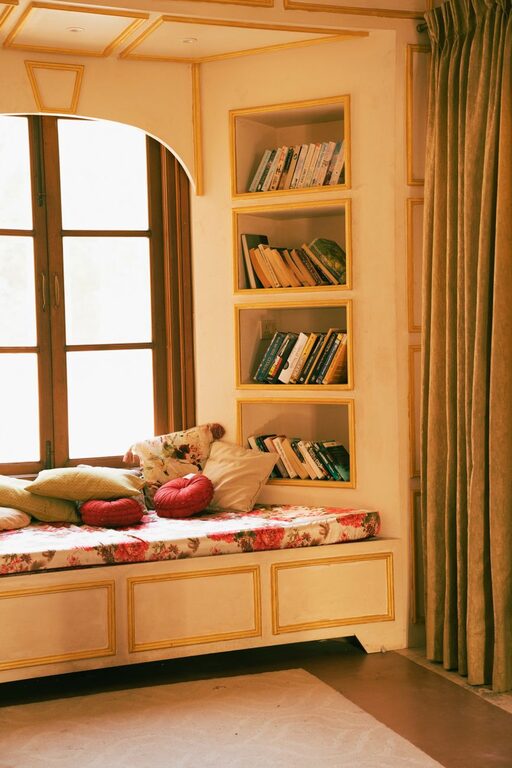
Clutter can make any space feel chaotic. Incorporate storage options that keep your office supplies organized and within reach. Shelves, drawers, and filing cabinets help maintain a tidy workspace. Use baskets or boxes to group smaller items. Labeling storage containers saves time when searching for specific tools.
Personalize Your Space
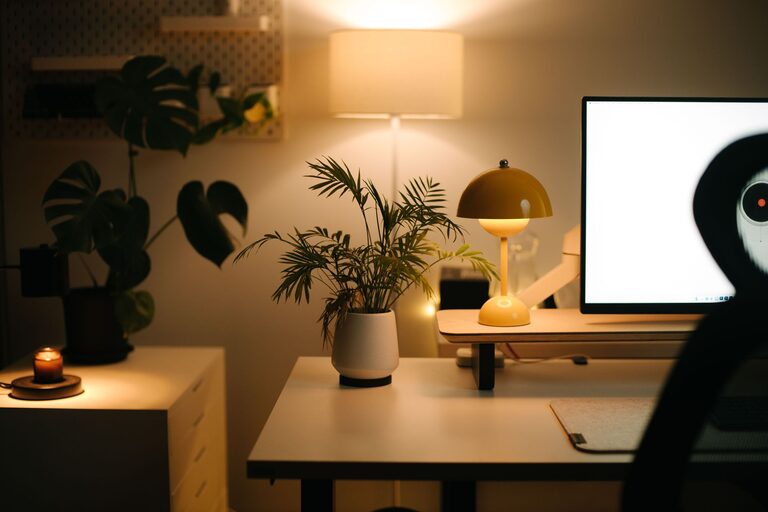
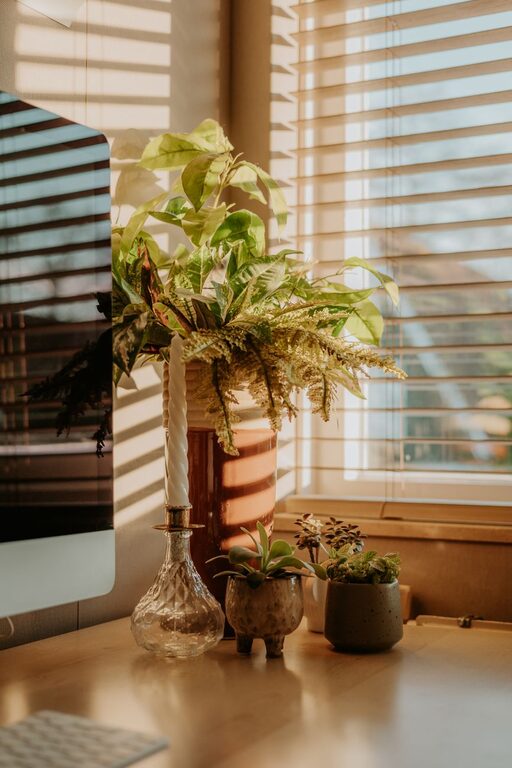
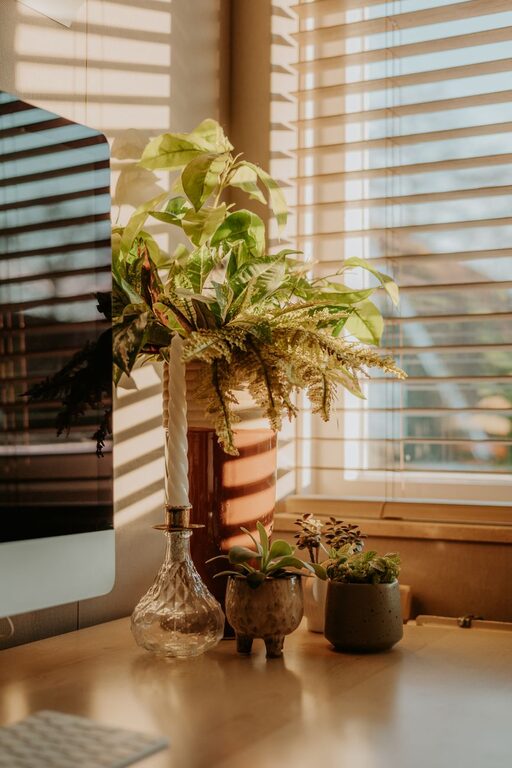
Adding personal touches creates a cozy environment that motivates you. Decorate with artwork, plants, or family photos that inspire positivity. Plants not only beautify your office but also improve air quality. Be mindful not to over-decorate to avoid distractions.
Manage Lighting Thoughtfully
Good lighting reduces eye strain and keeps you alert. Besides natural light, include layered lighting—like desk lamps and overhead lights—to tailor the brightness throughout your workday. Choose bulbs with a color temperature close to natural daylight (around 5000K) for the best effect.
Minimize Noise and Distractions
Noise can interrupt concentration. Use rugs, curtains, or fabric wall hangings to absorb sound. Noise-canceling headphones or white noise machines can also help create a peaceful atmosphere. Keep your phone on silent or use apps to block distracting notifications during work hours.
Keep Technology Organized
Manage cables and devices neatly with cable organizers or clips. Position your monitor at eye level to avoid neck strain, and keep essential devices close. Regularly update software and maintain your equipment to prevent technical issues.
Incorporate Ergonomic Accessories
Small additions like a keyboard tray, footrest, or wrist supports can make a big difference in comfort. These accessories help reduce strain and improve posture, contributing to longer and more productive work sessions.
Set Boundaries for Work-Life Balance
Especially if your office is in a shared space, establish clear boundaries between work and leisure. Define work hours and stick to them. When the workday ends, close your laptop and leave the space to mentally disconnect.
Regularly Refresh Your Space
A fresh environment can boost creativity. Rearrange furniture, swap out decor, or clean your office regularly. These simple actions help maintain a welcoming and inspiring workspace.
—
By combining these practical and cozy design tips, you can create a home office that feels both inviting and efficient. A thoughtful workspace supports your goals and well-being, making your time spent working from home more productive and enjoyable.